

PROJECT 01
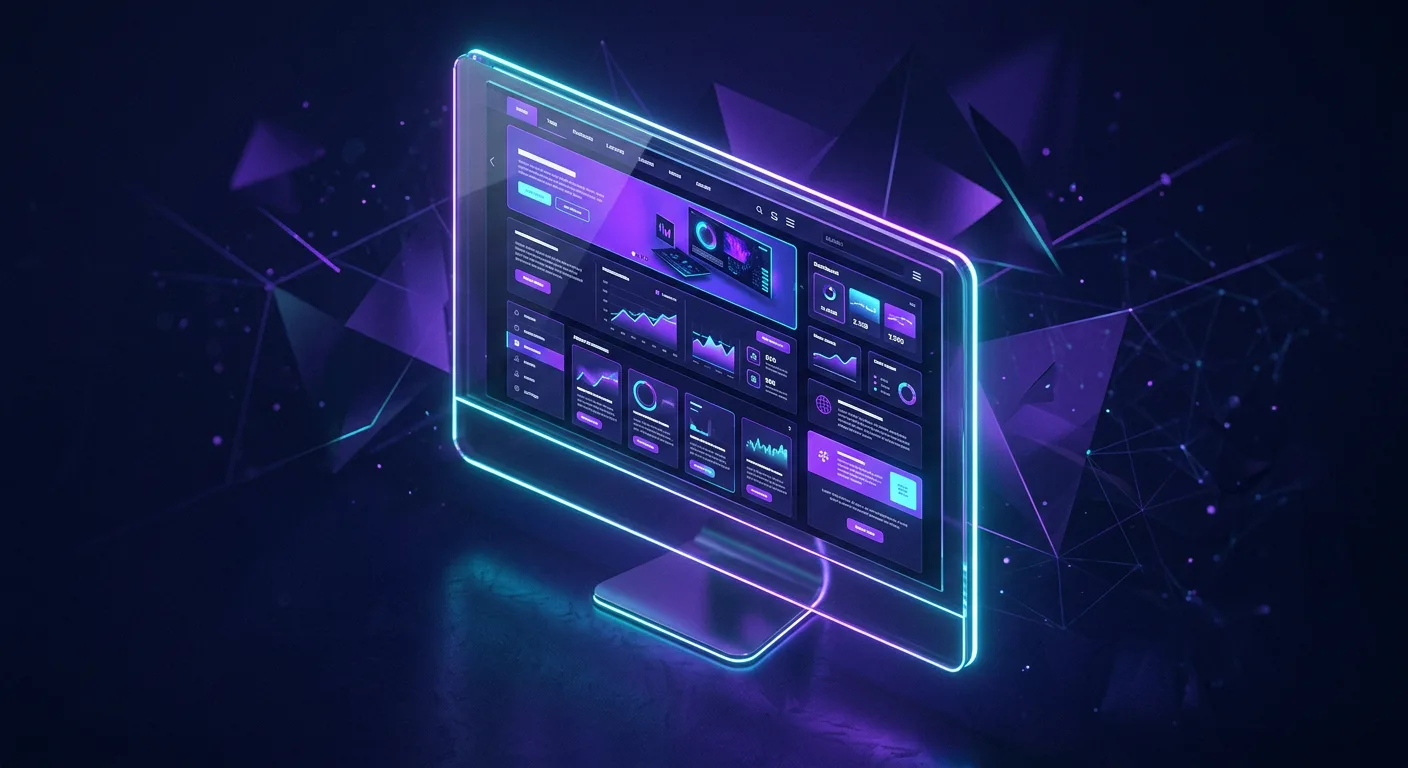
Live Responsive Business Website
Multi-page, responsive and published live on the web.

Build with AI
Program overview
Designed and led by Sir Muhammad Ahmed over a 1.5-month (6-week) training timeline at AIBC (Powered by CPS), this practical, project-focused curriculum trains learners to architect, build, debug, and deploy responsive websites, dynamic web applications, and installable Android apps (APKs) using next-generation AI coding assistants and modern development environments.
Across 11 structured sessions (22 hours at 2 hours per day), students go from environment setup and advanced prompt engineering to publishing live cloud web apps and packaging native-ready mobile applications.
AI tools & IDEs you'll master
What you will build
PROJECT 01
Multi-page, responsive and published live on the web.

PROJECT 02
Real-time UI with forms, logic and a cloud database.

PROJECT 03
Packaged and ready to install on your own phone.
Curriculum · 11 days · 2 hours each
Week 1
VS Code & Google Antigravity IDE setup; prompt engineering with Claude and Gemini Pro (Argon 4) for clean production code.
Semantic HTML5, Tailwind CSS; AI-driven wireframing and responsive layouts.
Multi-page sites with Fabel 5 and Astra 6.1; refine in VS Code.
Deploy on free hosting.
Milestone: first live web project published
Week 2
AI-assisted JavaScript logic, forms, local storage, real-time UI.
AI prompts for cloud databases (Firebase & lightweight DBs).
Build a storefront or admin dashboard with Claude & Gemini Pro (Argon 4).
Rapid AI debugging in Google Antigravity IDE & VS Code.
Week 3
Web-to-Android frameworks; mobile-first UI with Astra 6.1 & Fabel 5.
Compile in VS Code / Android build environment; export an installable APK.
Live QA testing and graduation showcase of each student's web app and Android app.
Message from your Instructor

Assalam-o-Alaikum! AI has changed the rules of building software.
You no longer need years of coding experience to create something real — you need the right tools, the right guidance, and the courage to start. In this course I will walk with you, step by step, from setting up your first AI coding environment to launching a live website, a working web app, and an Android app you can install on your own phone.
My promise is simple: you won't just watch, you will build. By the final day, you will have three real projects to show the world — and the confidence to create many more. Let's build the future together.
Orientation & Preview Event
15 November
Join the free orientation to see what you'll build and meet your instructor.
Reserve your seat at AIBC — Artificial Intelligence Business Center (Powered by Commander Public Higher Secondary School).